
How To Cut And Paste
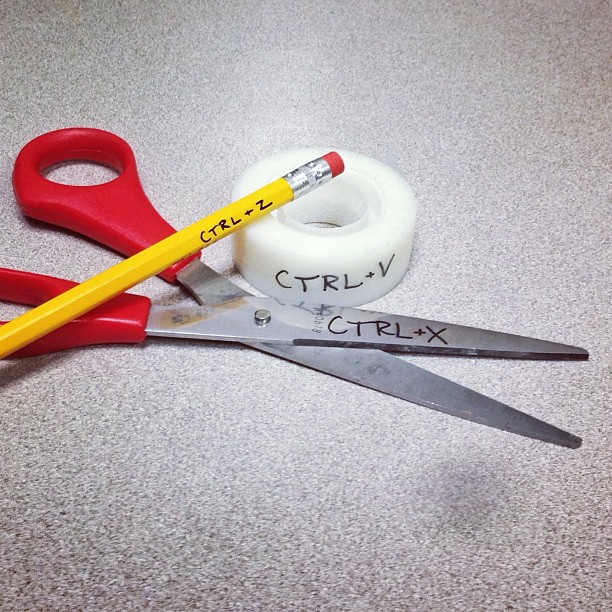
DIY Copy And Paste
The first thing you have to do is place your cursor at the beginning of where you want to cut, press and hold the left mouse button. Drag it until all the text you want to copy is high-lighted. Next; release the mouse button and press Ctrl and X at the same time. Open the window you want to copy too, (e.i. notepad) the press Ctrl and V. To erase simply highlight the desired text the press Ctrl and Z at the same time.
No, really.
Open notepad and highlight, Ctrl+x then open a Google Drive folder and press Ctrl+v
Bam, text copied, next.
 RevJamesBJones